Episode Transcript
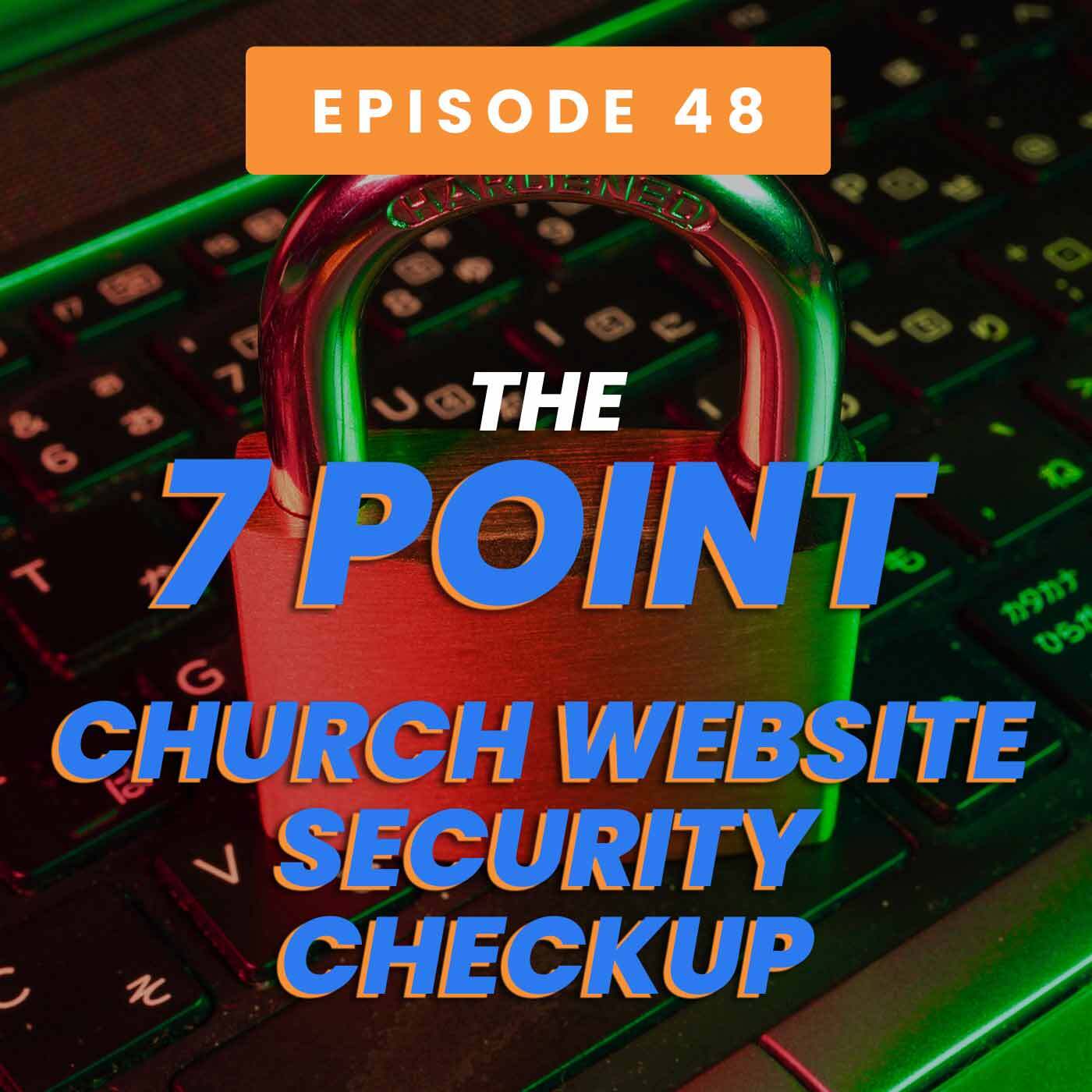
Speaker 0 00:00:00 Website security for your church website is more important now than ever before. So today we talk through our seven point church website, security checkup. We hope this conversation helps your church reach more people and grow. This is the retried podcast.
Speaker 1 00:00:25 You are listening to the read-write podcast. The show dedicated to helping pastors and church leaders reach people the right way, hosted by me, Thomas Costello. And with me as always is my cohost Ian Hyatt. We're here to help you your church see more visitors and grow.
Speaker 0 00:00:52 Hey guys, welcome to the reader trite podcast, episode number 48. I am your host Thomas Costello. And with me as always is my cohost
Speaker 2 00:01:00 Ian Hyatt. What's up Thomas.
Speaker 0 00:01:02 Hey, not too much. He didn't have a, a, a good conversation for us to have here today. And we're going to be talking about the seven point church website security checkup. Exciting, right.
Speaker 2 00:01:12 It sounds very exciting
Speaker 0 00:01:15 To be our most exciting ever so far. Exactly. That's the thing I was afraid of is I think this is a very important topic for us to talk about because there is so much going on. I'm sure you heard about the thing that happened with the gas prices in South Carolina a couple of weeks ago and how it, that was a hacking incident, right? Where a website security wasn't taken seriously enough. And they had to pay a $5 million ransom and they gladly paid it to get their gas back online and everything. And I heard the same thing just happened yesterday with the largest meat packer in the country. Uh, so there's expect some price increases when it comes to buying meat at Costco and those places now.
Speaker 2 00:01:58 So deal in Texas where I'm at. Yeah.
Speaker 0 00:02:00 It's a big deal everywhere. So anyway, but I think that, uh, it just kind of made us think, I know when we were planning this episode, Ian, that, uh, that this is something that churches need to take seriously because you and I have both seen terrible things happen to church websites and just churches in general, uh, when they don't take their website security, seriously. I mean, I don't know if you have any, you want to share anything you've ever seen happen to a church? Oh goodness. We
Speaker 2 00:02:27 Ended up seeing a lot of porn links and things show up on from disgruntled angry volunteers that left the church. And of course, that's a horrible thing on many levels there. You never want to volunteer to stray away that way, but also maliciously attack you that way. We've, we've seen that. We've seen all sorts of ads and stuff pop up on home pages and stuff that shouldn't be there for Viagra and Cialis and whatever else. And so we've seen, we've seen a few things I will say we used to see it a lot more, but it still is a thing now.
Speaker 0 00:03:03 Absolutely. And if you don't take this stuff seriously, it's going to happen. Uh, so it's not a matter of if, but when, uh, but, uh, because churches sometimes think they're immune because they're smaller organizations and Lou's gonna care about a little church or something like that. That's not that big of a deal, but really it is something that you need to take seriously. So we understand going into this, that your temptation might be, oh, it's, it's about website security, so it's not important, but I'm telling you this is important stuff. And, uh, we hope that something helps you. So we're going to make it seven questions. You need to ask yourself to give yourself a little bit of a security checkup to make sure you're doing all of these things. So I'll kick us off here today. Uh, the first question is, do you foresee strong passwords?
Speaker 0 00:03:47 Uh, do you force strong passwords on your church website there? So most church websites are set up in a way where you need to log in online, used to be websites were, uh, hosted on a computer there, but now almost all of them are online. So you need to log into your church website. The question is, do you actually ask people to use strong passwords or is it just the password of password is just fine. If your church's password is Jesus one, two, three, or it's password or something like that. Seven, seven, seven, seven, uh, you know, your passwords about 20 years, uh, at a date, I guess, as to, what's going to keep you secure with that. So it is really imperative that you use strong passwords and you actually set up your system to enforce strong passwords for anybody that logs in there, a good strong password system should make them use special characters, numbers, letters.
Speaker 0 00:04:42 What this does, is it, it prevents what's called a brute force attack. Uh, Bruce for a brute force attack. What it means is a hacker. They use a system where they just try every password. Uh, so they go through every single number, but there's computers now that are smart enough and fast enough that they can try hundreds of thousands of different passwords in a matter of minutes. So if it's just going to go through, so if you have the difference between like having a six character, uh, just lowercase letter password and having one with special characters and numbers and having 11 characters or something like that, it's, it's between two hours to break that password. And 28 years to break those kinds of passwords with a breach brute force attack. So it's something that really, you need to force those kinds of things.
Speaker 2 00:05:30 Yeah. You've already made the podcast more exciting by using the word brute force or so that even though we don't want to be the victim of that, but no, I think it's funny. I think that it reminded me, you know, there's been some instances where when we start serving a church and we of course have their trust and we operate with integrity, there's been times where they'd given someone on our support team access to get into the backend of their website. And I remember not too long ago when one of our team members had shared, yeah, this church's password was Jesus seven, seven, seven, or it was just password one or something like that. And we were like, okay, well, so that we made a good, strong recommendation for them to change that after we were done. So, but yeah, it's a good idea.
Speaker 0 00:06:18 That's it? The second one for us, I'll take
Speaker 2 00:06:19 It the second one. So do you remove access from people that don't need it anymore? So do you have passed that kind of that example? I used at the beginning, we were joking about it. Did you have a church volunteer or maybe it was someone who was, who was on staff. Who's no longer at the church, just someone who's not involved with your website anymore, updating it. You know, it don't think you're being mean from removing them from having access. It's just a security step that you're taking just to make sure everything moves on we've we've seen this, uh, come back to bite churches over the years, specifically, not just with security, but with like, like a domain name, uh, you know, if a volunteer, registered for a domain name, a church website address, and they ended up leaving the church, but it's under their name. We've, I've heard pastors and other clients of ours say, well that person's not getting back to us to give us the domain name settings. We'll no, they're not, because now they're gone and they're disgruntled or whatever. And so same thing here, you know, if you've, if someone's moved on or they just don't have a part to play in your website anymore, you don't want them having access. So I think it's, yeah. Yeah.
Speaker 0 00:07:35 It's not a mean thing. I remember when I resigned from the church, I was pastoring last and you know, a few months later it took them to remove me from all of the sites that I had access to. And those kinds of things. It's a little bit weird when I run a web development company that does the side still. So it was kind of strange, but it's a, it's one of those things that, um, it, it, it felt a little bit weird. Like when you get removed from that, it's kind of like an end of an era type thing, but you know, it's nothing personal, obviously it's just really think of it this way. It's not that you even suspect that they will do something, uh, that they shouldn't be doing with that information. It's more just the more people that have access, the more people that could be hacked and just the more you can reduce that.
Speaker 0 00:08:17 And there's fewer passwords and usernames out there, the less opportunity for that to happen, uh, that you'll have with that. So, yeah. Good idea to remove access from those that don't need it. Uh, number three is, uh, the question is, is your site SSL secured? Uh, and we won't get into a lot of the technical details. That's not really what we do on this podcast here, but what I think our audience needs to know is that you, in 2021, without a shadow of a doubt, you need to have a website that is SSL secured, SSL security is kind of a higher level of security. If you're taking forms on your website, like having registration forms, definitely if you're any kind of, uh, financial transactions online giving, uh, you need to have this to up the level of security for that information that's being passed on your website.
Speaker 0 00:09:04 And the way that you do that is with an SSL certificate. So do that is also an enormous benefit when it comes to search engine optimization and those things. And then 2021, if your site doesn't have an SSL certificate, you're going to start to see that little red exclamation point at the top of your browser that says not secure at Google, wants to make sure everybody knows that. And they're also penalizing your site, uh, in their search engine rankings, if you're not doing it. So most providers of websites can help that obviously we do it here at reach, right? But anybody that, that does anybody that's worth their salt, that's providing a website service now should be able to help you get an SSL certificate. It usually costs a little bit more with most hosting providers, which is strange to me because it's something that you'd just you'd need to do on every site.
Speaker 0 00:09:53 Nowadays, when we started that wasn't required when, when reach right was founded, we didn't do that for all of our sites. Uh, and I remember we had to make that hard decision, cause it was expensive to get all these certificates for everybody. Uh, but we had to make that decision. There was no use in having a site that didn't have it. So we decided just to, in one swoop, give it to everybody. And it was a ton of programming work for our team and everything here, but it was worth every penny and what we put into it. But yes, if the question is, do you need it? Whether you have forms or not on your site, whether you're doing events or online giving, you need to have an SSL certificate in 2021
Speaker 2 00:10:29 Really surprised how many websites I come across that really don't have that. And a lot of pastors and ministry leaders are unaware that their site is not secure with that. So we pointed out on a daily basis. So it's a, it's, it's a widespread thing out there. So if you're listening to this, you want to make sure you have that SSL certificate so well, good. I'll tackle the next one. Another important thing is to make sure your website platform is up to date. Are you on an up-to-date website platform? You know, the thing I've seen so many out-of-date themes and, you know, platforms that are just not been kept up to date or have haven't been backed up, but just the software has not been kept up to date. And those are going to be more susceptible. If your website's just some static theme that's been around for five plus years or something like that. And, and it was just, you know, set up maybe in house just some time. I mean, if it's not being actively managed on the back end and up kept up to date specifically, it's very slow. And those are the sites we see hacked all the time. Yeah.
Speaker 0 00:11:36 Right. Absolutely. Yeah. For us, we build a lot of websites on WordPress and WordPress has a third party plugin providers. And so you have this mishmash of a software platform and all kinds of other developers that aren't really affiliated, but they're building stuff for this platform. And the number one reason why sites will get hacked is because a plugin becomes a, there's some kind of a security vulnerability there. And usually the plug-in makers are fixing it immediately, but unless you're updating it or have some kind of a plan to do it, uh, you're going to actually, you keep using one of those vulnerable versions of it and someone can get into your site and do bad things. So it's really something that you need to keep an eye on. I would encourage everybody to have some kind of an automated plan for that because nobody likes to get in there and do updates and you'll forget, or the person that does them does they leave the church. And that's usually when this kind of stuff happens. So most providers, whether it's plugin updates or the whole backend update, they'll have some kind of a way you can automate that. It's probably worth the few dollars a month. Or if it's like with us, it's just something that's included. It's worth it to do something like that, to set it up, to have an automated, uh, type of a experience with that. So you don't have to manage it all the time.
Speaker 2 00:12:53 Yeah. That's good. Yeah. That's cool.
Speaker 0 00:12:55 Yeah. Next one. I'll hit that one. Uh it's uh, do you have kind of in that same vein, do you have a regular automated backup schedule, uh, doing backups of your website, is your fail safe in the event that you are hacked, something bad happens? Uh, something goes down on your website. Yeah. And it is very important that you have a regular backup schedule of your site. Uh, because the last thing you want to do is to find that the last backup was six months ago and you just lost six months of all the sermons that you put onto
Speaker 2 00:13:25 The website and protect everything.
Speaker 0 00:13:27 That's exactly right. So this is another one of those things is that you need to have a regular automated backup schedule, uh, for our clients. We do it daily, uh, every morning at like 3:00 AM central time. There is a backup here in Hawaii. I can just stay up late is what I do. And I just, before I go to bed, last thing I do is hit backup on all that. No, that's not it at all. We have a fully automated system that does it all itself, but it doesn't do backup every single day. So that if anything happens, the worst case scenario would be, we have to go back a day and go back to that version of the website. So, um, this is one of those things where sometimes people think, oh, I'm not going to do a host, or I'm not going to pay an extra fee to get an automated backup. I'll just do it every once in a while. You won't like, you're not going to actually do that. Nobody, nobody it's. It's not exciting. You don't remember. Oh yeah, I have to back up my church website. Uh, so you just brushed your teeth. Exactly. Now nobody's going to do that regularly. So it's worth it to pay the service or maybe pay a host that costs a little bit more to get that done just for your own peace of mind with those kinds of things.
Speaker 2 00:14:38 No, that's good. I'll tackle the next one, which is, do you use software to block malicious? Log-ins um, you surprised me. I know you look at a lot of this stuff, but I, I couldn't believe when you shared that we over the last years have seen over 1.1 million malicious log-in attempts into the reach right website. I'm blown away by that. So it is a very real thing. So that it's crazy.
Speaker 0 00:15:05 The more you can get on a website, the more people will try to log into said website, because there's a bigger influence they can have. And, and so we use software to block this, but when we talk about malicious login attempts, this is one of those brute force type attacks. So this is something where people will try password one, password, two password three, and it'll just keep trying log-ins over and over. But we've had 1.1 over one point, 1 million different attempts to log into our website that we've used software to block. And what the software does is there's a different, a few different ways. Like sometimes you'll see those, those captia things where you have to click, I am not a robot, or you have to identify the pictures in the grid that contain airplanes, or, you know, there's lots of different ways to do this.
Speaker 0 00:15:51 Everybody hates those ones where you have to look at that weird spelled out word, and you can't tell if that's a gosh, if it's a, an I, or if it's a one, or you're trying to figure out what these are. So, you know, I'm, I'm, everybody doesn't want to use us. The easiest ones now are the, I am not a robot button. There are some that do it without even having anything on the screen when somebody logs in, it just knows by your mouse movements, whether it seems like you're automated or not, but there's all kinds of ways to do it. The fact is you can't create these systems that do that stuff to check this or stop those things. So get some kind of a system that does that, um, for, uh, malicious spam and those things. We use one called Akismet, uh, on WordPress.
Speaker 0 00:16:32 We use another one called Jetpack, which has a malicious login attempt blocker that helps people, the help sites prevent if there's lots and lots of attempts to log in, it'll automatically time those out and make it stop there. So yeah, use some software. Both of those, I just mentioned are free for churches. Uh, so it makes sense to use that kind of stuff. That's helpful. Cool. I'll wrap us up with the last one is, do you allow file uploads? And if you do consider not allowing file uploads anymore, I think if at all possible, uh, you would like to not have file uploads on your site because that's the way people can put things onto your website server and they can wreak havoc when they do those kinds of things. So, um, if you do need to allow file upload. So let's say for a church that you need to have a registration forms for events where they need to have a signature, uh, and for some reason you want it to be a paper form that they upload, uh, you know, make sure you have software that prevents people from uploading just about any kind of file that they could want.
Speaker 0 00:17:33 So usually if there's a file upload, you can say only these types of files, you don't want anybody to be able to upload executable files, but a PDF is usually okay, a JPEG, those kinds of things are fine, right? Like, so for us, for instance, in reach, right, we places on our site where people can upload their logos. For instance, when they're having us new, a new site for them, and they want to send their current logo, they can upload that we're very specific to, on the kinds of file types, they can upload the logo in because we don't want any type of file because the moment you do that, you open yourself up to all kinds of hacking attacks and those kinds of things there. So I would strongly encourage any church listening to this, to not have file uploads. Just don't do that at all. The way you get around that is you can use form systems that have signature options and those kinds of things. Uh, the form system we use called gravity forms. People can actually sign off on there and it could be a legally binding signature right in the form there. And there's nothing stopping churches from using that for parental consents and those kinds of things, but anything to add to that? No, no, I think I, I can't
Speaker 2 00:18:40 Think of many reasons why, um, a church would need to allow thought file uploads anyway. Um, you know, I think these days there was a time in the past where, um, you know, churches were relying upon their website for all of those things or maybe password protected areas and those things, right. File uploads and those things, but it's really not even necessary, but I think there's still a, there's still going to be a handful of churches out there that do it. So I think it's helpful for them to know
Speaker 0 00:19:06 That's it? Oh, good. So it's easy. That's painless. Seven quick questions. Take a look at the questions and protect yourself from brute force. That's the thing is that you want to make sure that this is terrible stuff. When you get, if you don't do this and you do get hacked, and we are telling you having firsthand experience and helping churches and fixing these problems for them because they didn't take this stuff seriously. Um, I don't want your site to be turned into a porn site. And so that's why we do this for you, uh, just to help with that. So we hope this has been helpful to you. Uh, if it has, it would mean a lot to us. If you would rate, review, subscribe, comment, and let your friends know about this podcast. Thank you so much for being a part of the retried family. And we'll catch you guys next week.
Speaker 1 00:19:54 Thanks for listening to the reach right podcast. We hope this episode will help you reach people the right way, looking for more resources for your church. Check us out online at reach, right studios.com. If this episode has been helpful to you, it would mean the world to us. If you would rate, review and subscribe on iTunes or wherever you get your podcasts. Thanks again for listening. And we'll see you next week. Yeah.